Today Update: How to Get a QR Code for Petrol Subsidy at Pumps 2026
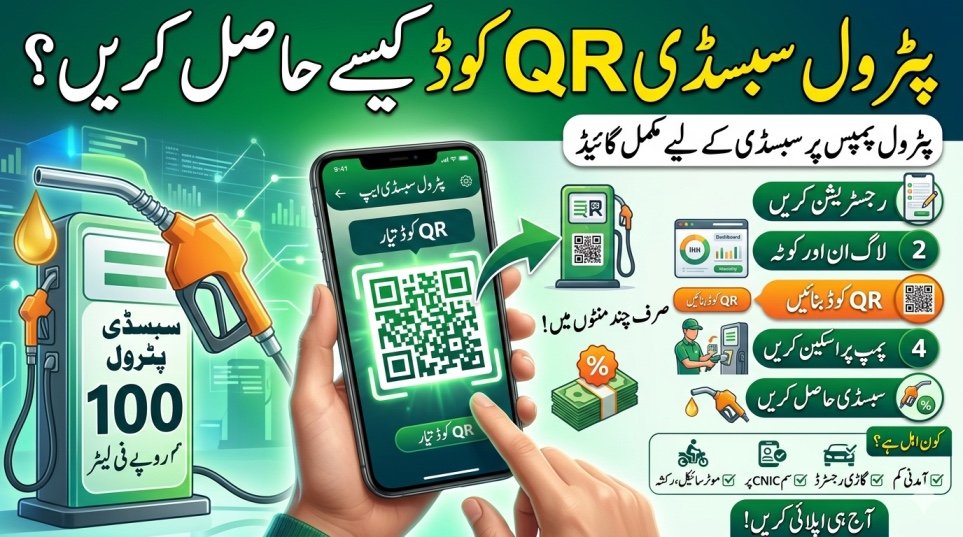
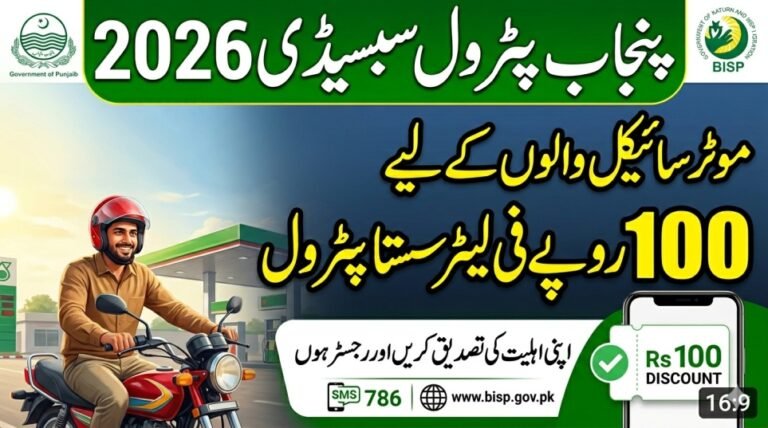
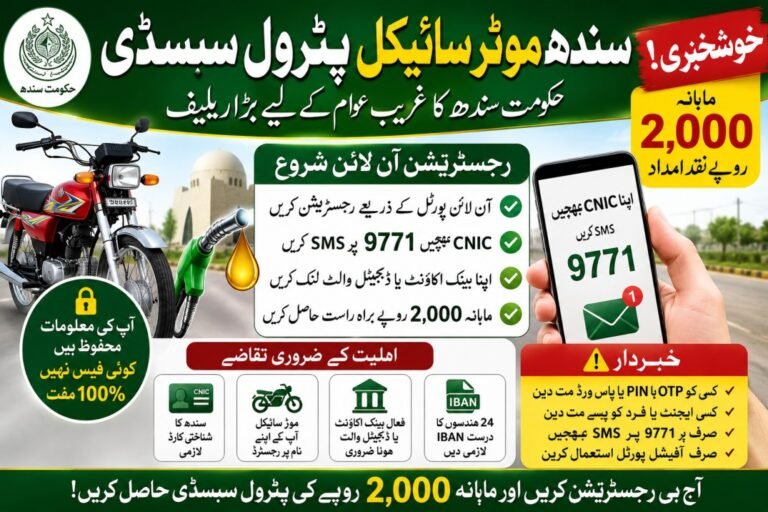
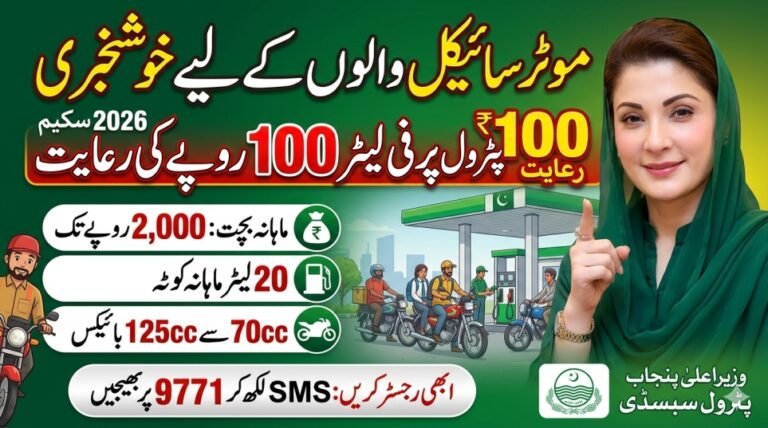
The Petrol Subsidy Program 2026 uses a digital QR code system to provide discounted fuel to eligible vehicle owners. After successful registration and verification, the QR code works as a monthly digital voucher that petrol pumps scan to apply your subsidy instantly.
Step 1 – Register for the Petrol Subsidy Program
Before generating a QR code, you must complete registration through official government channels.
Follow these steps:
- Download the official Petrol Subsidy App or Maryam Ko Batayen App
- Enter your 13-digit CNIC number
- Add your mobile number linked with CNIC
- Enter motorcycle or vehicle registration details
- Complete OTP verification and submit your application
- Wait for approval SMS confirmation
Only verified applicants can generate a QR code.
Step 2 – Login and Access Your Monthly Fuel Quota
Once your application is approved, open the app and log in using your CNIC or registered mobile number.
Inside the dashboard you will see:
- Your monthly fuel quota (usually 20–30 liters)
- Remaining fuel balance
- Digital subsidy status
This confirms that your account is ready to generate the QR code.
Step 3 – Generate Your Petrol Subsidy QR Code
After approval, generating the QR code is simple.
Step-by-step process:
- Open the Petrol Subsidy App dashboard
- Tap Generate QR Code or Digital Voucher
- A fresh QR code will appear on screen
- Take a screenshot or keep the app open at the pump
- If the QR code fails, refresh the app and generate again
A new QR code may be generated monthly or after each use.
Step 4 – Redeem the QR Code at Petrol Pumps
Your QR code works like a fuel voucher at participating petrol pumps.
How to use it:
- Visit a registered petrol pump
- Show the QR code to the pump staff
- The attendant scans the code using a government device
- Your remaining quota is verified instantly
- Subsidized petrol price is applied automatically
The discount is applied immediately during fueling.
Step 5 – Check Your Remaining Fuel Balance
After every fuel purchase:
- Open the app to see remaining liters
- Track monthly usage
- Generate a new QR code when needed
This digital tracking prevents misuse and ensures fair distribution.
Quick Eligibility Requirements
You must meet these conditions to receive a QR code:
- Monthly income below Rs. 50,000–60,000
- Vehicle registered in your name
- SIM registered on your CNIC
- Motorcycles, rickshaws, or small cars up to 800cc
If any detail does not match, the QR code will not activate.
Helpline for Support
If you face issues generating or using the QR code:
- Call official helpline: 0800-03000
- Request verification or technical support
Conclusion
The QR code system makes petrol subsidy distribution fast, transparent, and easy to use. After registration and approval, simply generate your QR code in the app and scan it at participating petrol pumps to receive your monthly discounted fuel quota.